
Encountering issues with payment methods can be a nuisance, especially when shopping online. You’ve chosen your items on Shein, meticulously filled your cart, and at checkout, you pull out your Visa gift card only to find that Shein isn’t accepting it. It leaves you pondering: why is Shein not accepting my Visa gift card?
Understanding the potential reasons for this could save you from future payment hassles. It might be as simple as insufficient funds on your gift card but there could also be other factors at play. Is your card activated? Is all the entered information accurate? These are the first checks to ensure everything is set up correctly for a seamless payment experience. Plus, you’ll want to consider any additional fees, like shipping, which might not be immediately obvious when finalizing your purchase.
To ensure a successful transaction with Shein using a Visa gift card, it is imperative to verify that the card contains adequate funds to cover the total cost of your order, including any extra fees. Equally important is confirming that your card is properly activated for online transactions. Card details must be entered accurately, as even a minor error can prevent payment processing. By keeping these points in mind, you can aim for a trouble-free checkout process.
Understanding Visa Gift Cards
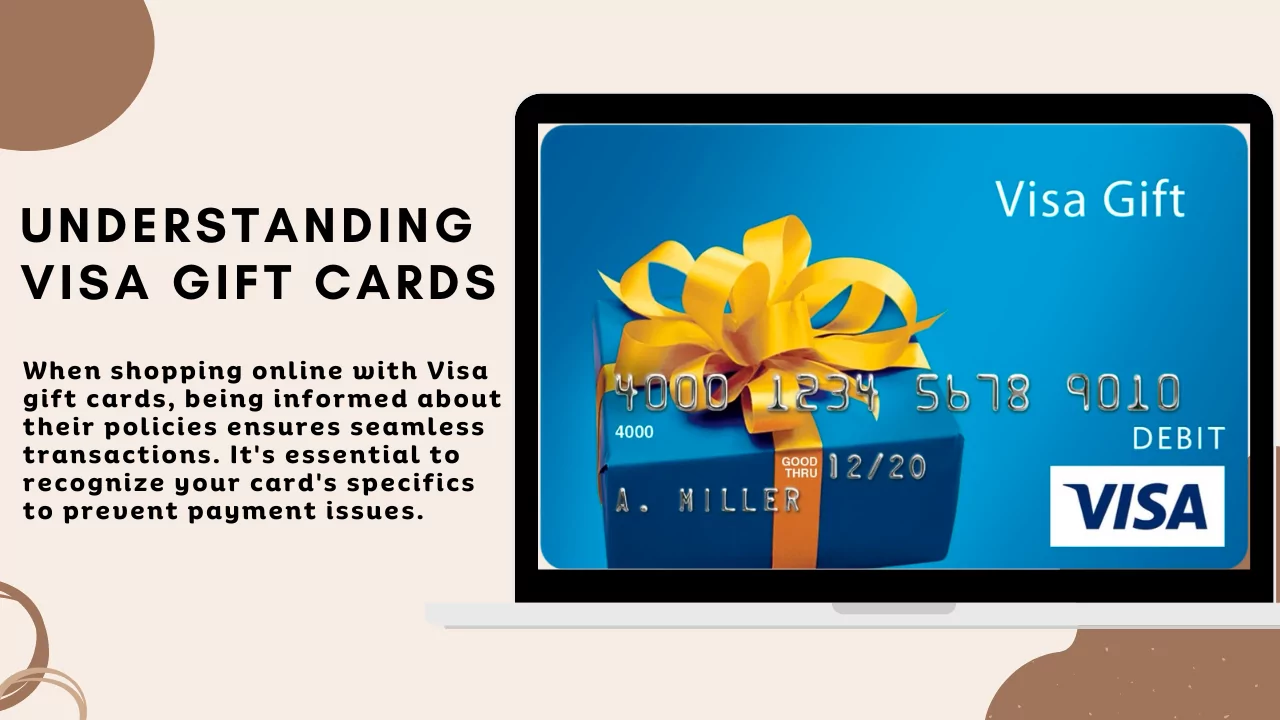
When shopping online with Visa gift cards, being informed about their policies ensures seamless transactions. It’s essential to recognize your card’s specifics to prevent payment issues.
Gift Card Policy
Your Visa gift card operates similarly to a credit card but with preloaded funds. To use it effectively, consider the following:
- Activation: Before using your gift card online, ensure it’s activated. Most cards are activated upon purchase, but some require you to initiate the process.
- Balance: Always know your card’s balance. If your purchase exceeds the available funds, the transaction will be declined. Visa does not permit partial payments with another card type.
- Expiration Date: Each gift card comes with an expiration date, post which the card cannot be used. Check this date, as attempted use beyond it will result in transaction failure.
- Card Number, PIN, and CVV: Treat your Visa gift card details with the same security you would a regular credit card. You will need the card number, the PIN (if applicable), and the CVV code for online purchases.
- Merchant Restrictions: Retailers like Shein may have their policies regarding gift card acceptance. Confirm with the retailer if Visa gift cards are accepted, and if there are restrictions, such as not allowing gift card use on sale items.
Remember to register your Visa gift card if required, as some online merchants don’t accept unregistered cards. This helps in associating a billing address with the card, which is often needed for online purchases.
Why Is Shein Not Accepting My Visa Gift Card: Common Issues with Payment Methods
When using your Visa gift card on Shein, certain obstacles might prevent the transaction from processing successfully. Understanding the common issues with these payment methods can ensure a smoother checkout experience.
Technical Issues
If you face difficulty during the payment process, it might be due to temporary technical issues with Shein’s website. This can range from server downtime to glitches on the payment page. Typically, these issues resolve themselves if you simply wait a while and refresh the page.
Expired Gift Cards
Check the expiration date on your Visa gift card; if the card has expired, it will be automatically declined. These cards have a set validity period, so it’s essential to use them before they expire.
Incorrect Card Information
Entering card information incorrectly is a common error that leads to payment rejections. A single typo in the card number, expiration date, or CVV can cause an error. Double-check your details to ensure they’re accurate.
Insufficient Balance
Ensure your Visa gift card has an insufficient balance to cover the total cost of your purchase. Being even slightly short can result in the card being declined. Shein does not allow partial payments, so the balance must be equal to or exceed the purchase amount.
Navigating Shein’s Payment System
When shopping on Shein, understanding the available payment options and how to troubleshoot common issues can streamline your checkout process.
Acceptable Payment Methods at Shein
Shein supports a variety of payment methods to accommodate global customers. You can make purchases using:
- Credit Cards: Visa, MasterCard, American Express
- Debit Cards: Must have a Visa or MasterCard logo
- PayPal: A secure method for those who prefer not to use card details
- Shein Wallet: Credit from returns or gift cards applied to your Shein account
Remember to check that your preferred payment method is valid and accepted in your specific location.
Entering Payment Details
To complete a purchase at Shein, follow these steps:
- Select your item and proceed to checkout.
- Choose your payment method.
- Enter your payment details: Card number, Expiry date, and CVV code (found on the back of your card).
- For PayPal transactions, log in to your PayPal account.
Ensure the name on the card matches the name on your Shein account to avoid potential issues.
Troubleshooting Payment Errors
If you encounter errors during payment, consider the following steps:
- Insufficient Funds: Verify that your card or PayPal account covers the total cost.
- Activation: Some gift cards need activation before use; confirm your card is ready.
- Validity: Check that your card isn’t expired and that the details entered are correct.
- Bank Authorization: Sometimes banks decline transactions at Shein for security reasons; contact your bank if this occurs.
Contact Shein support for unresolved issues or if their system seems to be the problem. They can often provide insight or solutions specific to your situation.
Customer Support and Problem Resolution
Navigating issues with payment declines and queries related to your Shein Visa gift card? Let’s tackle how to engage with customer support for quick resolution and understand the protocol for refunds and expiry concerns.
Contacting Customer Service
When facing payment challenges, reaching out to Shein’s customer support is the first step. You can contact them through the official website or customer service hotline. Be ready to provide details of the issue you’re experiencing for a streamlined resolution process.
Queries Regarding Payment Declines
If your Visa gift card is declined, inquire about Shein’s gift card policy to confirm that your card is applicable for use on their platform. Important aspects to verify include the gift card’s balance, ensuring it covers the total cost, and confirming that the card data has been entered correctly.
Gift Card Refunds and Expiry Issues
For concerns regarding expired gift cards or seeking refunds, understand that gift cards have a finite lifespan and inactivity may lead to deactivation. Approach Shein’s customer service for assistance on the current status of your card and the possibility of reimbursement in case of issues within their gift card policy terms.
Shein Shopping Tips
When shopping on Shein for trendy and affordable clothing, make the most of your experience by staying informed about ongoing offers and understanding the prevailing fashion trends. This guidance will help align your purchases with your style interests and budget.
Maximizing Savings with Offers
Are you looking for ways to stretch your dollar further on Shein? Keep an eye on Shein’s various offers. Regular blog posts or articles may highlight the latest deals, which could include:
- Seasonal sales with substantial discounts.
- Coupon codes for first-time buyers or specific categories.
- Flash deals that offer a limited number of items at a reduced price.
- Free shipping thresholds.
You can also sign up for Shein’s newsletter to receive exclusive offers directly in your inbox. Always remember to double-check any offers before finalizing your purchase to ensure you’re getting the best deal.
Understanding Shein’s Fashion Trends
Do you want to keep your wardrobe up-to-date with the latest styles? Stay tuned to Shein’s ‘Trends’ section. Here’s how:
- Explore the ‘Trends’ category often to find what’s currently in vogue.
- Look through Shein’s curated collections based on themes, seasonal colors, and catwalk-inspired styles.
- Check the reviews and photos from other buyers to gauge how items fit and see their real-life appearance.
Paying attention to these trends can guide your shopping choices, ensuring that you’re not only saving money but also purchasing apparel that’s in line with the current fashion narrative.
Additional Considerations
When addressing why your Visa gift card may not be accepted by Shein, it’s important to consider both the registration requirements and potential security concerns. These factors play a crucial role in the successful processing of your payment.
Registration and Account Requirements
Before using your Visa gift card, check if Shein requires the card to be associated with a specific account. Certain retailers mandate that gift cards be registered with a billing address to match them with a user profile for added security. Ensure your gift card’s data matches your registered account details on Shein to avoid discrepancies that could lead to payment rejection.
- Register your card: Confirm that your Visa gift card is properly registered with the gift card issuer and that all data is up to date.
- Match personal information: Ascertain that the registered name and billing address align with those on your Shein account.
Security and Privacy Concerns
Security measures put in place to protect your financial data may lead to declined transactions if not properly addressed. Shein, like many other online retailers, utilizes various security codes and PINs to prevent fraudulent activity. If these security measures are not correctly observed when entering your card details, your transaction may not be approved by Shein.
- Check security codes: Make sure the CVV or security code is entered correctly; this is often a three or four-digit number on the back of the card.
- Ensure privacy of PIN: Never share your card’s PIN or security codes with others, and ensure that it’s entered discretely if prompted during the transaction.
Remember to address these considerations thoroughly to help ensure your Visa gift card is accepted by Shein.
Conclusion
When you experience issues with your Visa gift card on SHEIN, the reasons are typically straightforward. Here’s a quick checklist to troubleshoot the problem of why is Shein not accepting my Visa gift card:
- Check the Balance: Ensure the card holds sufficient funds to cover the total cost, including shipping and taxes.
- Activation: Confirm that your card is activated. A card must be enabled before use.
- Validity: Verify the expiration date. Expired cards will not be accepted.
- Payment Policy: Understand SHEIN’s payment policy. They might not accept partial payments.
- Technical Issues: Consider any potential technical glitches on SHEIN’s end or with your Internet connection.
Here’s how you can ensure a smooth checkout with your Visa gift card:
| Checklist Item | Action Required |
|---|---|
| Balance | Verify funds are adequate |
| Activation | Activate the card if necessary |
| Expiration | Check the card is within the valid date |
| Policy | Review SHEIN’s full payment policy |
Remember to utilize Visa gift cards shortly after purchase to avoid any issues with inactivity. Always keep your card details secure when entering them online. If you’ve addressed all these points and the problem persists, consider reaching out to SHEIN’s customer service for assistance or checking with your card issuer for any additional hidden restrictions. Your successful transaction with a Visa gift card on SHEIN is a matter of ensuring all these requirements are met.