
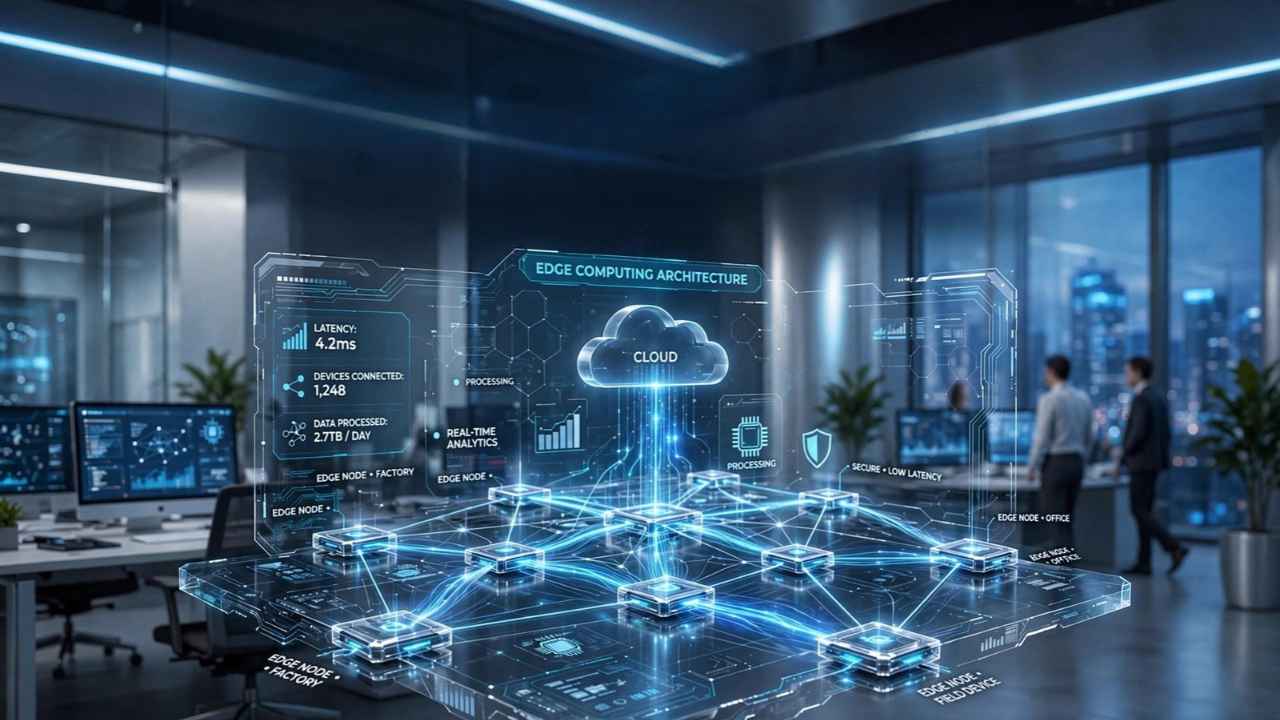
Edge computing means processing data close to where it’s created. That can be on a device, on a small server in a store or at a nearby network site, instead of sending everything to a distant cloud data center first.
For businesses it matters for practical reasons: faster responses, systems that keep working when the internet drops, and less data to move and pay for. It also means more hardware to buy, patch and protect, so it isn’t the right call for every task.
Many small businesses already rely on edge computing without calling it that. A card terminal that keeps taking payments during an internet outage is doing a small piece of it.
What Edge Computing Actually Means
Gartner defines edge computing as solutions that process data at or near the source where it’s generated. The “edge” is the outer rim of a network, where people, machines and sensors produce data. Think of a checkout counter, a warehouse dock, a delivery van or a factory line.
In a cloud-only setup, a device sends data over the internet to a provider’s data center. The work happens there and an answer comes back. With edge computing, some of that work happens on-site, and only results, summaries or records that need long-term storage travel to the cloud.
The vocabulary is messy. When the National Institute of Standards and Technology published its fog computing conceptual model in 2018, it noted that there is no consensus on how edge computing differs from related terms such as fog computing, mist computing and cloudlets. For a business buyer the label matters less than two practical questions: where does this task actually run, and what happens when the connection to the cloud is slow or gone?
Edge and Cloud Work Together
Edge computing doesn’t replace the cloud. In most real setups, the edge handles time-sensitive local work. The cloud handles storage, reporting, software updates and anything that benefits from large pooled computing power.
| Task | Usually handled at the edge | Usually handled in the cloud |
|---|---|---|
| Decisions that can’t wait for a round trip, like stopping a machine | Yes | |
| Keeping a store or site running during an outage | Yes | |
| Filtering video or sensor data before upload | Yes | |
| Company-wide reporting and analytics | Yes | |
| Backups and long-term records | Yes | |
| Pushing software updates to many locations | Runs locally | Managed centrally |
Chick-fil-A is a widely cited example. At the KubeCon conference in 2018, the chain’s engineers described a small “data center” planned for each restaurant: three networked computers, each with 8GB of memory, connecting kitchen equipment and other devices.
Some data stayed in the restaurant, while higher-level business and operational information went to the cloud, and configuration was managed centrally. A 2024 Analysys Mason case study reported that the chain has deployed on-premises edge computing across nearly 3,000 US restaurants.
Smaller operators don’t need to copy that setup. The useful lesson is the split: local machines handle moment-to-moment work, and the cloud handles coordination.
Why Edge Computing Matters for Businesses
Faster responses where they count
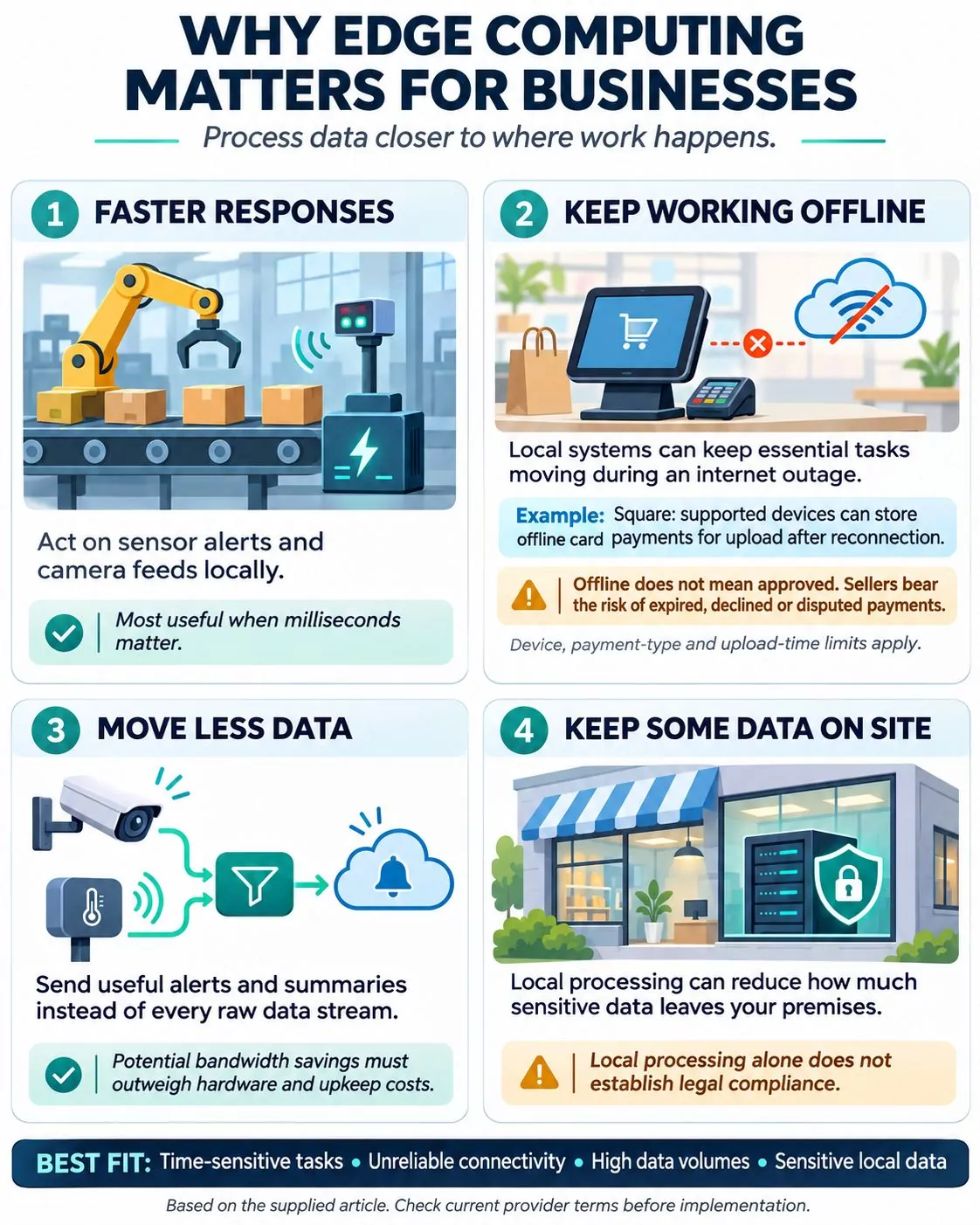
Data that doesn’t have to travel to a distant data center and back can be acted on sooner. That matters for tasks measured in fractions of a second, like stopping a conveyor when a sensor spots a jam or flagging a problem on a camera feed. It matters much less for a weekly sales report.
Staying open when the internet isn’t
For many small businesses this is the most practical benefit. Square’s offline payments feature is a clear example. When a device loses its connection, it can keep accepting card payments, store them and process them once it reconnects. Square has also made offline payments the default setting unless sellers opt out.
The fine print matters. For Square Register, Terminal and Handheld, offline payments must be uploaded within 72 hours of the offline session starting. Square strongly recommends uploading within 24 hours to cut the risk of chargebacks and declines. Payments not uploaded in time expire and can’t be recovered.
The seller is responsible for any offline payment that expires, is declined or is disputed. Sellers can cap the amount allowed per offline transaction, and some payment types don’t work offline, including Tap to Pay on iPhone and Android, Square Gift Cards, Cash App Pay and EBT/SNAP.
Local processing keeps the line moving. But a card taken offline hasn’t been approved yet, so the risk shifts to the business until the payment uploads.
Moving less data
Security cameras, sensors and machines can produce far more data than a business needs to keep. Processing it locally and sending only alerts or summaries reduces what travels over the network, which can lower bandwidth and cloud data-transfer charges. Whether that saves money overall depends on what the edge hardware and its upkeep cost compared with the bills it cuts.
Keeping some data on site
Processing data locally can limit how much sensitive information leaves the building, such as raw video of customers. That can support privacy commitments, but it doesn’t make a business compliant by itself. Data rules depend on the law that applies, the type of data and what happens to it afterward.
Where the Spending is Going
IDC estimates that worldwide spending on edge computing reached $265 billion in 2025 and expects it to nearly double by 2029, with North America the largest region. In its March 2025 forecast, IDC said retail and services accounted for nearly 28% of 2025 edge spending, and manufacturing and resources for about a quarter. These totals include service providers building edge networks and content delivery systems, not just businesses buying their own equipment.
One number to handle with care: many articles still say that 75% of enterprise data will be created and processed outside traditional data centers and the cloud “by 2025. ” That was a Gartner forecast from 2018, when the share was about 10%. It was a prediction, not a measured result, and it shouldn’t be quoted as a current fact.
The trade-offs businesses underestimate
- More equipment to run. Every edge device has to be installed, monitored, updated and eventually replaced. Chick-fil-A built its own tools to manage its restaurant clusters. A five-location retailer may not have an IT person at all.
- More ways in for attackers. Every internet-connected device at a site is a possible entry point. In February 2025, CISA and partner agencies from Australia, Canada, the UK, and other countries released guidance on edge devices such as firewalls, routers, VPN gateways and IoT devices. The guidance warns that attackers increasingly target internet-facing devices like these. The baseline advice is to follow the vendor’s hardening guidance and apply patches promptly.
- Upfront cost. Cloud services are usually billed monthly, while edge setups often mean buying equipment up front. For a small business that’s a working capital decision as much as a technology one.
- Complexity with no payoff. If your work isn’t time-sensitive and your internet is reliable, edge hardware can add cost and maintenance with little return.
Final Words
The strongest reason to use edge computing is a specific operational need: keeping checkout running, responding quickly to equipment problems or reducing unnecessary video uploads. Start by checking what your existing tools can already do locally and what stops during an outage.
If there is a clear gap, test one task at one location. Measure downtime, response speed, data usage and maintenance costs before expanding. The investment makes sense when those results justify the equipment and effort required.
Frequently Asked Questions
What is edge computing in simple terms?
Edge computing processes data close to where it is created, such as on a device or a server inside a business. It reduces the need to send every piece of data to a distant cloud data center before taking action.
What is the difference between edge computing and cloud computing?
The main difference is where processing happens. Edge computing handles work on or near local devices, while cloud computing uses remote data centers. Businesses often combine them: local systems handle immediate tasks, and the cloud supports reporting, coordination and long-term storage.
Can edge computing work without the internet?
Some edge functions can keep working during an outage if they have been designed for offline use. They still need power and may depend on a working local network. Features that require cloud access can remain unavailable until the connection returns.
Is edge computing cheaper than cloud computing?
It depends on the workload. Processing data locally can reduce upload, storage and bandwidth costs, but hardware, maintenance and security add expenses. Compare the total operating cost with the savings and the value of avoiding downtime.
Does a small business need a dedicated edge server?
Often, no. A payment terminal, security camera or other device may already provide the local processing a business needs. A dedicated server becomes worth considering when several devices need shared computing resources or a specific task exceeds their capabilities.
Is edge computing more secure?
Local processing can reduce how much sensitive data leaves a site. However, it also creates more equipment to protect. Security depends on access controls, updates, physical protection and how the devices connect to other systems.