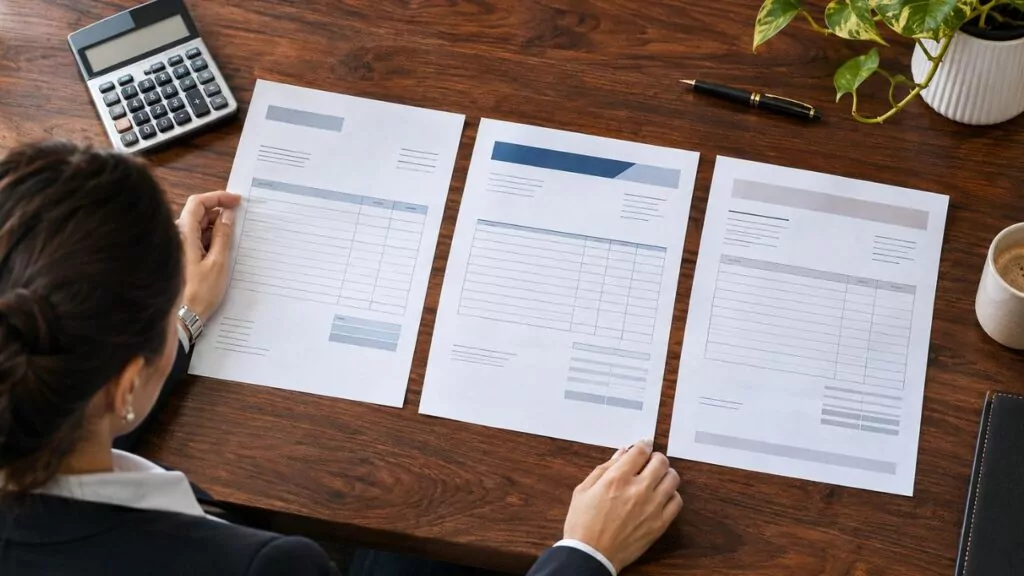
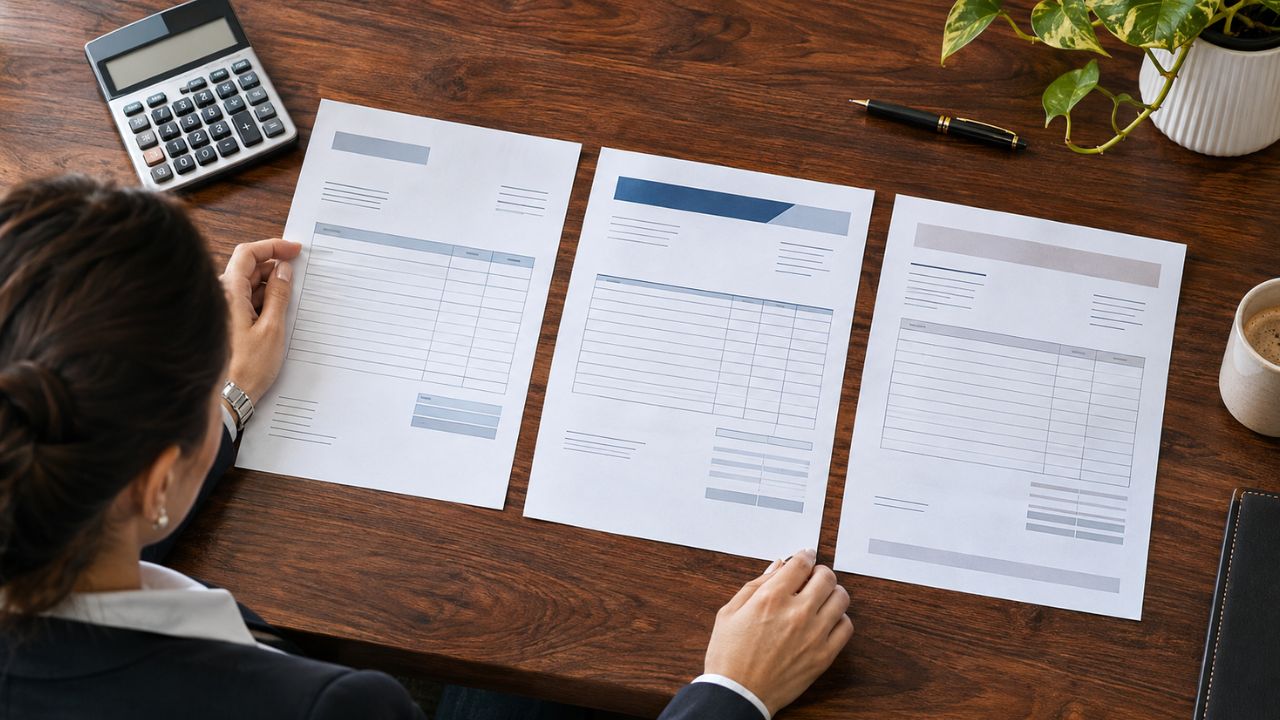
If a client returns an invoice because the purchase order number is missing, a better template can save your bookkeeper from making the same correction next month. Give the reference a visible place on the form, leave its value blank, and check that the number appears on the PDF the client receives.
In QuickBooks Online, start with a custom form style. In Xero, create a branding theme. In Wave, customize the business’s default invoice and override it for individual customers when needed. The steps below cover the web versions for US small businesses.
Decide what belongs in the invoice templates
Put details in the template when they hold true across the invoices that will use it. Your billing contact and a note asking customers to quote the invoice number when paying are good candidates. A customer’s purchase order, last month’s hours, and a promised discount belong on the individual bill. A saved layout can offer a place for each without carrying an old value into a new transaction.
| Billing decision | Save in the template | Enter or confirm on each invoice |
|---|---|---|
| Who is billing? | Business identity and billing contact | Customer name, billing address, and recipient |
| What did the buyer approve? | Space for a reference and service description | Purchase order, work period, and deliverable |
| How much is due? | Column labels and usual payment terms | Quantity, rate, applicable tax, total, and due date |
Ask a frequent customer what their accounts payable team uses to match a bill to an order. For US federal contract work, check the contract alongside the federal invoice content requirements. They identify details such as the contract or order number and line-item information. A layout used for private clients may need additional fields for that work.
How to create invoice templates in QuickBooks Online
- Open Settings and choose Custom form styles. Select New style, then Invoice. Give the style a name your bookkeeper can recognize, such as “Hourly services.” Editing the existing Standard style can affect other sales forms, so create a separate style when the change is specific to invoices.
- Open Design to choose a layout, upload the logo, and set the font and colors. Switch to Content and select the header, item table, or footer in the preview to edit that section.
- In the item table, open Edit labels and widths. Show the columns customers need and give the description enough room for a full line of work. For hourly billing, keep quantity and rate visible so the buyer can check the calculation. Save with Done.
- Go to Create, then Invoice. Open Manage and expand Design to select the style. Use Print or Download to inspect the customer copy. If you added a custom purchase order field, check its Print on form setting and confirm the value appears.
If a fresh invoice opens with the Modernized layout, check its default under Manage → Design. Intuit documents a Remove default option that returns new invoices to Standard. Choose the appropriate custom style on individual invoices as needed. Free and Lite accounts have limited customization, so check which controls your subscription offers before designing around a particular field.
How to create an invoice template in Xero
- Open Sales → Sales settings → Invoice settings. Select New Branding Theme. Name it for the billing situation, such as “Consulting projects,” especially if the business uses the same logo on several themes.
- Choose the appearance and fields for the standard theme. Add the billing address, logo, and payment instructions appropriate to the customers who will receive it. Save with Save theme, or Save in the legacy editor.
- To revise a standard theme, find it in Invoice settings and open Options → Preview and edit invoice theme. A legacy theme may show Edit. Check that the business identity, contact details, and terms fit comfortably on the page.
- Open a draft sales invoice, select the intended branding theme, and preview the invoice with representative line items. Compare any printed payment wording with the due date entered on the transaction.
A second theme makes sense when two groups of customers repeatedly need different instructions. For example, one division might direct billing questions to a different office. If only the project reference changes, keep one theme and enter that reference per invoice. Xero also supports advanced Word templates for more detailed layouts. Start with the standard editor unless you can identify a requirement it cannot accommodate.
How to customize the default invoice templates in Wave
- Click your business name in the top-right corner and open Business settings. Under Sales & Payments, choose Invoices and estimates.
- Under General settings, select the layout, logo, and accent color. These choices also affect estimates, so check how the branding will look on both documents.
- Under Invoice settings, choose the usual payment terms and edit the invoice title, footer, and notes. Wave offers preset default terms. If a customer has a custom due date, enter it on that customer’s invoice.
- Open Invoice column settings to rename or hide columns. For example, “Hours” works for a service business that bills exclusively by time. A business that also sells parts may prefer “Quantity” because the column labels carry over to estimates. Select Save all changes.
- Create a new draft invoice to check the result. Wave applies invoice-setting changes to new invoices. Opening an older bill can give you the wrong impression about whether the change saved.
Pay special attention when converting an estimate. Wave normally adds the default invoice notes during conversion. If a particular estimate contains a milestone or acceptance condition the customer needs to see, use the option in its Notes/Terms section to retain those notes and review the resulting invoice.
Check the customer’s copy with one sample bill
Suppose a design studio bills six hours of layout work at $85 per hour and a fixed $120 for print preparation. Before tax, the expected total is $630. Enter both lines on an unsent draft and add the sample reference “PO-1042.” This example exposes two layout problems a one-line invoice can hide. A column labeled “Hours” can make the fixed fee look hourly, and a narrow description column can separate a service from the period it covers.
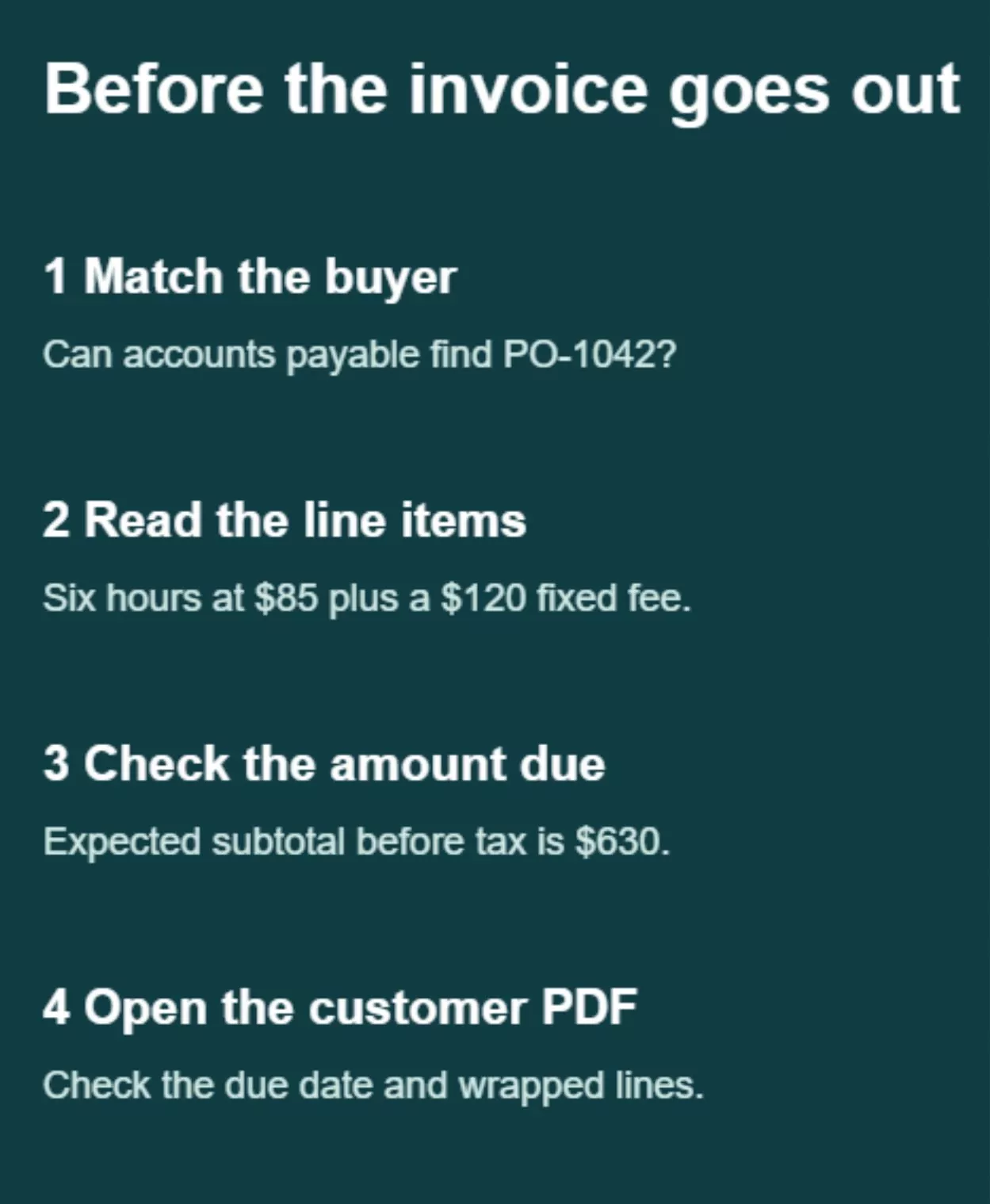
Read the PDF as the person approving the payment. Can you match the bill to the order, reproduce the subtotal, and identify the deadline without opening the email? If “due on receipt” appears in the footer but the date field allows 30 days, correct the template wording or the transaction terms according to the customer agreement.
Finally, open a second blank invoice. Check which layout appears, whether the usual terms carried over, and whether the sample order number disappeared. Once a real invoice goes out, retain the issued copy with the records supporting the sale. The IRS guide to supporting business records explains how invoices and other documents support entries in your books.