

A single bank statement can show a utility payment, a payroll tax deposit, and the down payment on a delivery van. All three cleared in the same month. Each may need to be documented for a different length of time.
For a U.S. small business, the simplest way to organize business banking documents is to file statements by account and month, then link transactions to the records that explain them. Set a review date based on what each document proves. When one statement supports several items, keep it through the longest applicable period.
Which business banking documents should you keep?
Keep the bank-issued statements for each business checking, savings, credit card, and loan account. Save deposit details, check images, transfer confirmations, and merchant settlement reports when they explain a transaction. Pair the payment record with an itemized receipt, invoice, agreement, or other evidence of its business purpose. The IRS gives examples of supporting documents for income, expenses, and assets.
Consider a bakery that takes $1,000 in card payments and receives a $970 deposit after $30 in processing fees. The statement shows the cash received. The processor’s settlement report explains the difference, and the sales records identify the transactions behind the total. File the payout reference with all three so a bookkeeper can trace the $30 without reconstructing the week’s sales.
How long should a U.S. business keep bank records?
For ordinary federal income tax records, three years after filing is the usual starting point. An early return counts as filed on its due date. Before clearing an archive, check the IRS retention periods and exceptions, the rules in the states where the business files, and any lender or insurance requirements.
| What the banking document supports | How long to keep it |
|---|---|
| Routine income or deductible expenses | Generally three years after the related federal return was filed. Apply the exceptions below where relevant. |
| A claim for credit or refund after filing | Generally retain support until the later of three years after filing the original return or two years after paying the tax. |
| Employment taxes | At least four years after the tax was due or paid, whichever came later. Also check the fourth-quarter filing date and any credit-specific rules. |
| Purchase, improvement, or sale of business property | Keep the records throughout ownership and through the applicable tax period for the return covering disposal. |
| Loan agreement, payments, and payoff | Keep the file through payoff. Then review the agreement, proof of release, tax support, and any unresolved claim before setting a disposal date. |
| Account opening, signer changes, and closure | Keep current authorizations while the account is active. Archive superseded authorizations and closure evidence as long as needed to establish authority, resolve disputes, or meet other obligations. |
Several federal exceptions matter when reviewing older statements. The IRS specifies six years when omitted reportable income exceeds 25% of the gross income shown on the return, and seven years for claims involving worthless securities or a bad-debt deduction. Records for an unfiled or fraudulent return should be retained indefinitely. Keep copies of the filed returns themselves so you can identify which filing a statement supports.
For payroll, keep the deposit acknowledgment and the return it relates to. A bank debit alone may leave the tax period unclear. The IRS’s employment tax recordkeeping checklist also measures four years from the fourth-quarter filing and identifies certain leave and retention credit records with a six-year minimum. Use the later applicable review date.
Build a monthly folder and a separate home for long-lived records
Start with a folder for each legal entity. Under it, give each account a recognizable nickname, then create a year folder. A path such as Bakery / Operating checking / 2026 / 01 January lets a colleague find a statement without knowing who downloaded it. Use the statement period in the filename, as in 2026-01_Operating-4821_Statement.pdf. The last four digits can distinguish similar accounts without exposing the full account number in search results.
Keep a separate folder for each loan and major asset. If January’s statement includes a van down payment, link it from the van folder alongside the purchase invoice, financing agreement, and later sale documents. Mark the statement’s archive entry “Supports van purchase.” A shortcut alone will break if someone deletes the original during the annual cleanup.
Reconcile the account before you close the month
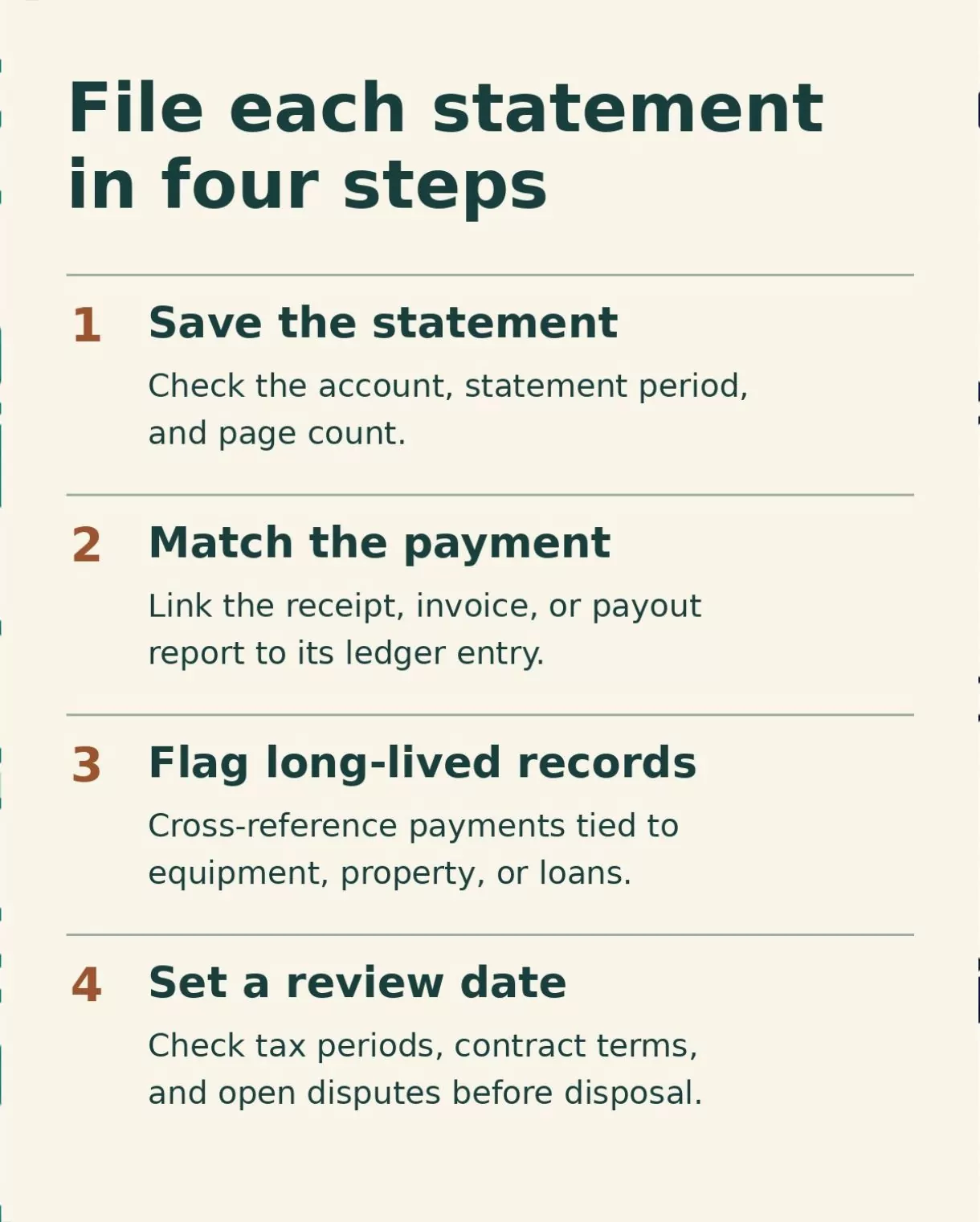
- Download the full statement. Open the file and check the account, date range, and page count. A transaction export can help with matching, while the statement preserves the period and balances the bank-reported balance.
- Compare the statement with the ledger. Identify outstanding checks, deposits in transit, fees, and transfers between your own accounts. For a transfer, record the corresponding entry in both accounts so a bookkeeper can follow the money.
- Attach or reference the supporting paperwork. A card payment from checking settles the card balance. Use the card statement and itemized receipts to explain the purchases and avoid recording the settlement as a second expense.
- Save the completed reconciliation. List unresolved items, who will investigate, and when. If the books show a deposit on January 31 that cleared February 2, point to the February entry so the next reviewer can close the item.
Give staff access according to the records they need. Keep payroll details in a restricted location and share a reference when the general ledger only needs the transaction total. Maintain a separate backup and periodically retrieve a statement and its attachments from it. A folder full of shortcuts is easy to copy and surprisingly hard to restore.
Before changing banks or clearing old files
Before closing an account, download the statements, check images, loan notices, and transaction details you still need. Compare the files against a list of expected months. Arrange delivery of the final statement and written closure confirmation, then check that outstanding payments cleared or were reissued. Assign someone to collect any later tax document from the former bank.
During the annual review, record the account, document type, related return or asset, event that starts the retention period, earliest review date, and any hold. If a tax examination, payment dispute, insurance claim, or legal preservation instruction is outstanding, pause disposal of the relevant files. Confirm the matter has closed and all other periods have expired before authorizing destruction.
Test the archive with one real question: “Can we explain the van down payment after the checking account closes?” A colleague should be able to find the statement, match it to the purchase agreement, and see why it must survive the next cleanup. That is a better test of the filing system than the number of folders it contains.