

A contact is a person you communicate with. A lead is a potential buyer or sales inquiry your team is evaluating. In business-to-business sales, an account is usually the organization you do business with or hope to serve. A person can be both a contact and a lead. Their employer can already have an account before anyone places an order.
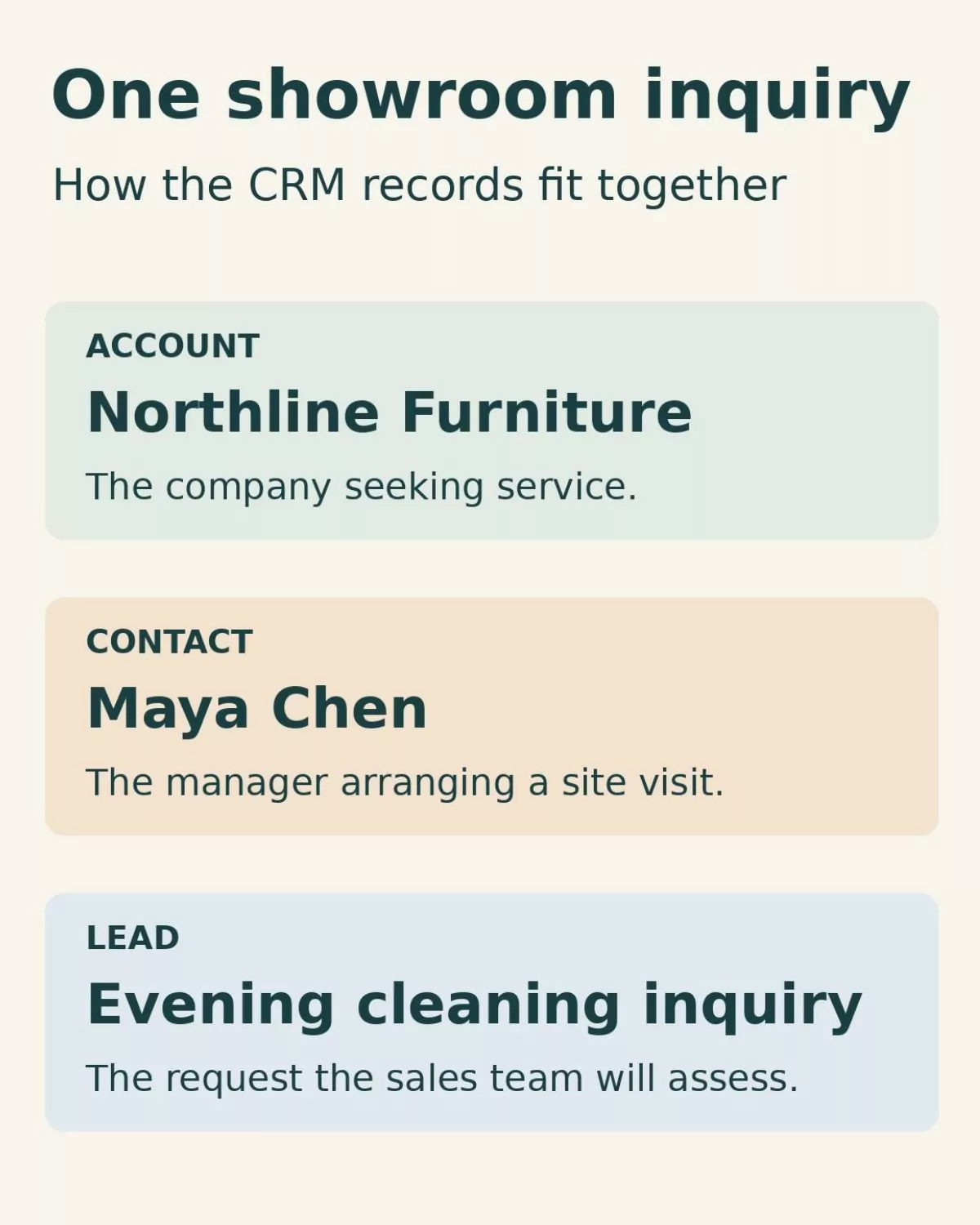
Suppose a showroom manager calls your cleaning business for a quote. Where should you put her phone number? On her contact record, if one exists. Where should you put the company’s billing address? On its account. And where should you record your promise to call back on Friday? On the active inquiry or deal, linked to the manager and the company. That way, whoever returns the call knows both whom to ask for and what they promised to discuss.
CRM contact vs lead vs account at a glance
| Term | Question it answers | Showroom example |
|---|---|---|
| Contact | Who can we speak with, and what is their role? | Maya Chen, the facilities manager who arranges site visits. |
| Lead | Who might buy, and what do we need to find out? | Maya’s inquiry about evening cleaning. The hours and service area still need checking. |
| Account | Which customer or organization is this relationship with? | Northline Furniture, which operates the showroom. |
| Opportunity or deal | What specific sale are we pursuing? | A proposed contract to clean Northline’s downtown showroom three evenings a week. |
A contact tells you who is involved
A useful contact record carries the details you need for the next conversation: the person’s name, work email or phone number, role, and relationship to the account. If Maya handles building access and a purchasing manager signs contracts, create a contact for each person. The estimator can then direct questions about keys to Maya and send the proposal to the person authorized to approve it.
A contact can also be a billing clerk, referral partner, or former buyer. Adding the purchasing manager to the address book gives the team another person to reach. It does not establish that Northline is considering a second purchase. The University of Wisconsin–Madison’s CRM terminology guide illustrates how individual roles and contact details sit alongside the organization’s shared record.
A lead gives someone a reason to follow up
For Maya’s first call, the useful lead details are the referral source, what she asked for, who owns the callback, and when it is due. A name and email address alone leave the next person guessing. “Call Maya Friday morning to confirm the downtown site’s closing time” gives a colleague enough information to act.
Qualifying a lead means deciding whether the potential sale is worth pursuing. A cleaning company might check the address, required hours, and whether the buyer wants recurring service. If those fit and Maya agrees to a walkthrough, the estimator has a concrete job to pursue. If the showroom is outside the service area, recording that reason saves the next employee another callback. Rice University’s OpenStax describes how businesses set their own criteria for prospecting and qualifying buyers.
An account keeps the company relationship together
Store information on the account when it should still make sense after a particular employee leaves. Northline’s billing address, central purchasing requirements, and related contacts belong together. Maya’s direct number belongs with Maya. The price for the downtown cleaning proposal belongs with that deal, because a quote for Northline’s warehouse could have different terms.
Multiple locations require a judgment call. If one purchasing office signs for all Northline stores, one account with several service locations may be enough. If two subsidiaries sign and pay separately, separate linked accounts may help the team quote and invoice the correct buyer. For a business serving households, start with the CRM’s individual-customer setup. A homeowner requesting a cleaning has no company name to supply.
What changes when a lead becomes qualified?
First check what “lead” means in your particular system. A team might use it as a status on a person’s record or work from a separate list of lead records. In Microsoft Dynamics 365 Sales, for example, the administrator’s settings affect whether qualification creates an account, contact, or opportunity and whether staff can select existing records. Check that behavior before converting a lead from a company you already serve.
Consider Maya’s second request six months later. The downtown contract is already signed. Now she wants a separate quote for a warehouse. Search for Maya and Northline, confirm the site and the scope, then open a new deal linked to the existing relationship once the work meets your sales criteria. The original contract keeps its agreed price and history. If Maya merely asks to move Tuesday’s scheduled cleaning to Wednesday, route the request to operations. Counting a reschedule as a sales inquiry would inflate the pipeline.
Count the thing your report is asking about
If Maya and the purchasing manager are discussing both the showroom and warehouse proposals, you have two contacts at one account. If both proposals are active and separately decided, you have two open opportunities. The number of leads depends on what your team recorded at intake. You cannot reliably reconstruct it by counting names on the proposals.
Before importing a list or training a new employee, write down the event that opens a lead, the condition that opens a deal, and the details staff should check before creating another contact or account. Then try the rule on Maya’s three interactions: the original inquiry, the warehouse quote, and the schedule change. A new colleague should be able to file all three and still find the complete Northline relationship in one place.